
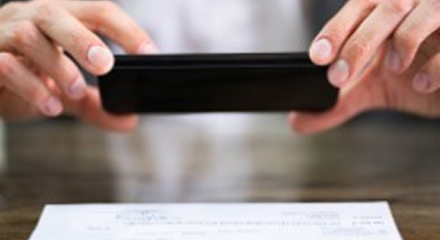
Easy-to-use, reliable mobile check deposits
Don't have time to deposit checks in branch? You can scan checks from your smartphone and make deposits remotely.
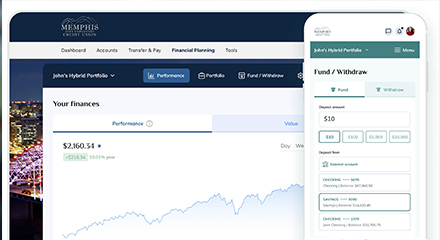
Digital Investment Platform
Our investment solution has intuitive features and personalized guidance, empowering you to invest with ease directly in digital banking!

Custom alerts & text notifications
Receive alerts on your account balance and monitor suspicious transactions.

Seamless Digital Transfers
Transfer funds securely between your MCECU accounts or other financial institutions. And, move money to your friends and family who also have MCECU accounts.

Update your contact information online
Easily update your email, phone and address, and let us know you're traveling.

Open new accounts or apply for loans digitally
Get the status of your application, speed up the processing of your loan.
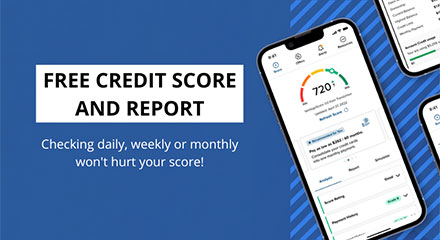
SavvyMoney Credit Score
The first step to financial fitness is knowing where to start. Keep on track with Vantage credit scores and learn about how credit scores work.

Keep track of your accounts, budgets, and goals
Set up your own custom Dashboard with at-a-glance views of your financial picture. You can even add non-MCECU accounts to keep everything in one spot.
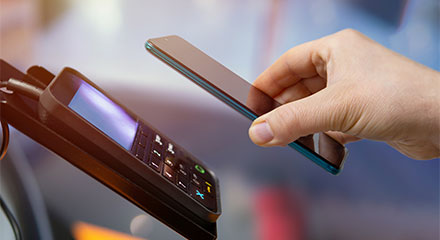
Mobile Wallet
Link your cards directly to your mobile wallet from our app.

Bank happier and explore more with MCECU’s mobile banking app.
Rest easy with these advanced security features.
Our mobile app uses fingerprint, touch ID or face ID. Upload a unique profile photo and you’ll always know you’re in the right place.
Frequently asked questions!
Curiosity is the beginning of any new adventure.
How do I register for Digital Banking?
Register for Digital Banking on our website page or in our mobile app. On the login page, select "Register a New Account" and follow the steps to register. You will need your Member Number, Social Security Number, and either your date of birth, zip code, or email address to register.
How do I view my E-statements?
First, make sure you are registered for Digital Banking. Then, select eDocs under the "Accounts" tab at the top of your screen. (On Mobile, "Accounts" tab is located under the "More" widget). Follow the verification directions under the "Statements" tab and begin viewing your E-statements!
How do I reset my username and password?
On the digital banking login page on desktop or in the mobile app, select "Forgot Username or Password" and follow the steps to reset your credentials. If you still have issues, give us a call at 901-321-1200.
How can I make a payment on my loan or credit card in Digital Banking?
In Digital Banking, select the loan or credit card from your dashboard and select the "Pay" option. You can set up your payment for one time or recurring. You can also make loan and credit card payments under the "Transfers" tab.
Did you find everything you were looking for today?

Get your credit score now.
View your credit score for free with SavvyMoney, within the digital banking platform.


Are you looking for a car?
Our mission is to help you save money on important decisions like buying a vehicle.